What I built
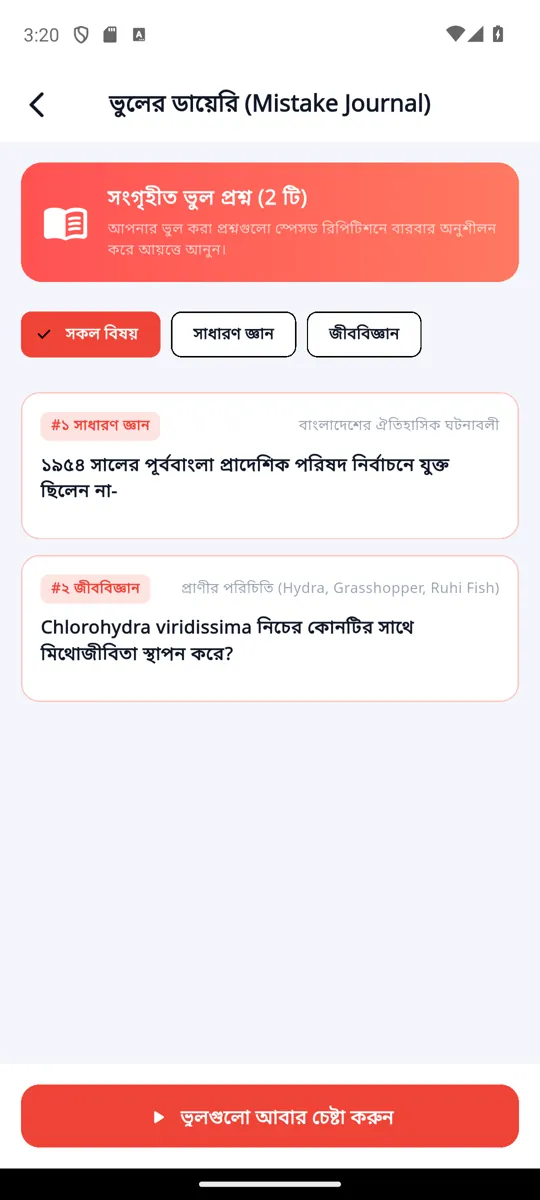
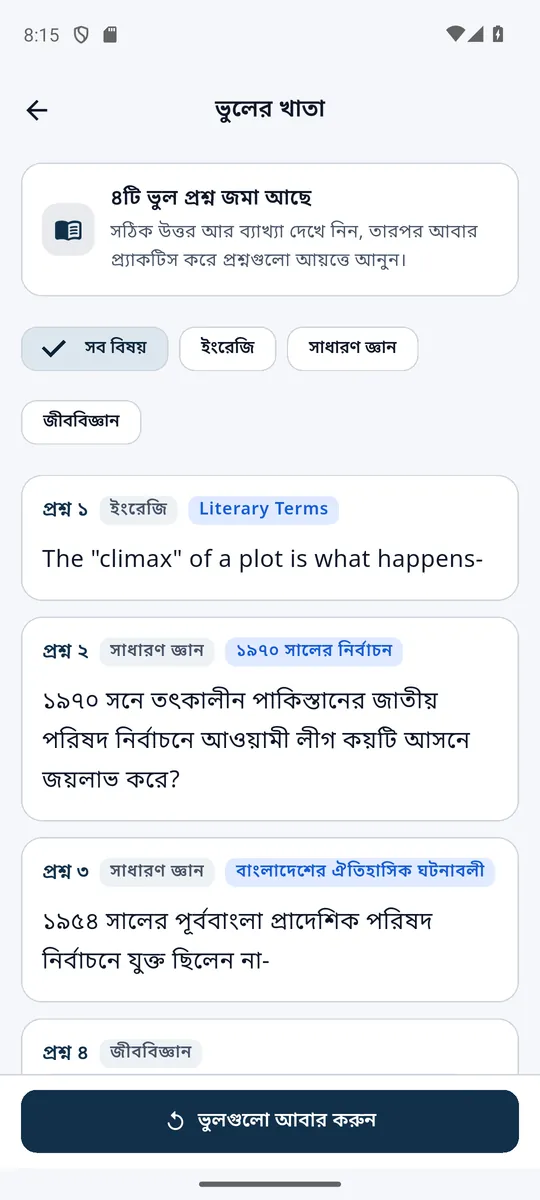
- An Android app for practice, timed exams, daily live exams with merit lists, progress charts and a list of past mistakes. It keeps working on patchy mobile data.
- A website at smartprepbd.com with the same questions, a free trial and a page for every past paper that Google can find.
- The server and database: Google sign-in, student accounts, and answers marked on the server so the answer key never sits on the phone.
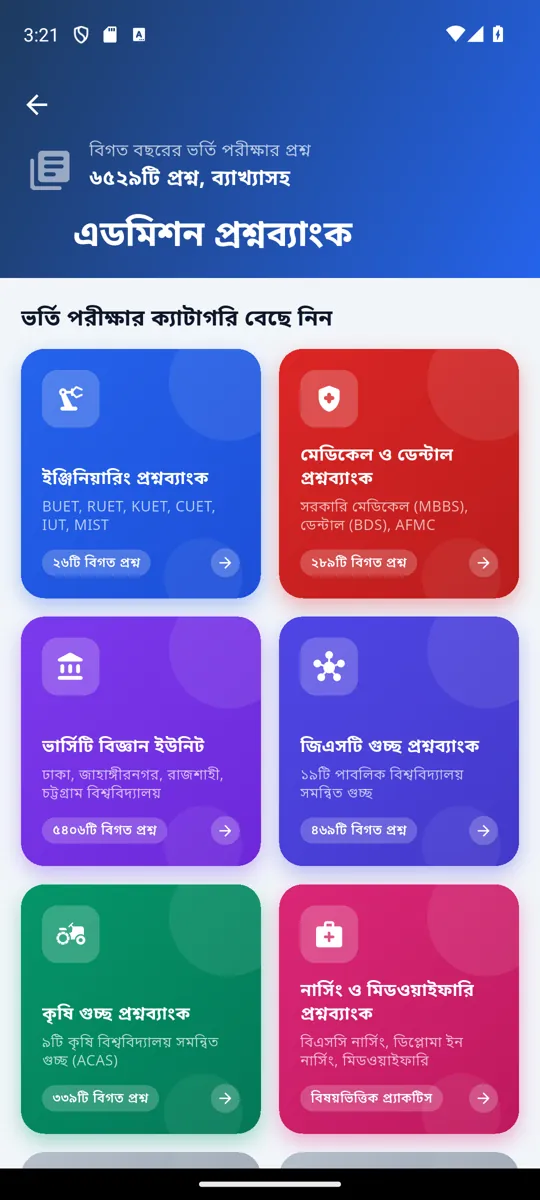
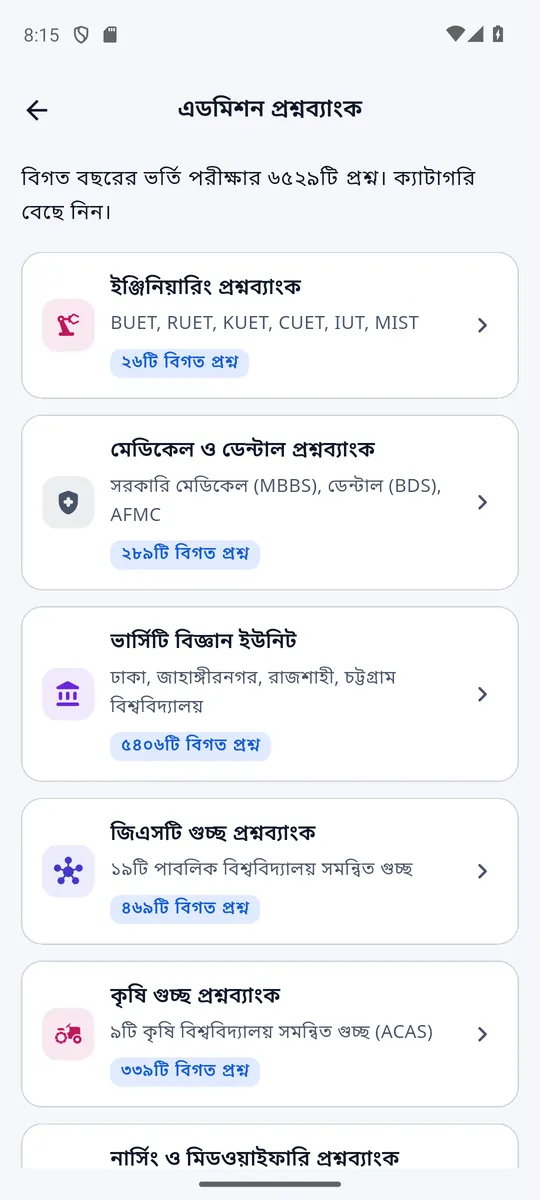
- A Python tool that pulls questions, images and formulas out of PDF question papers into clean data. The admission bank alone holds 6,529 past questions.
- 1,089 automated tests that check the app and website after every change.
Why I redesigned it
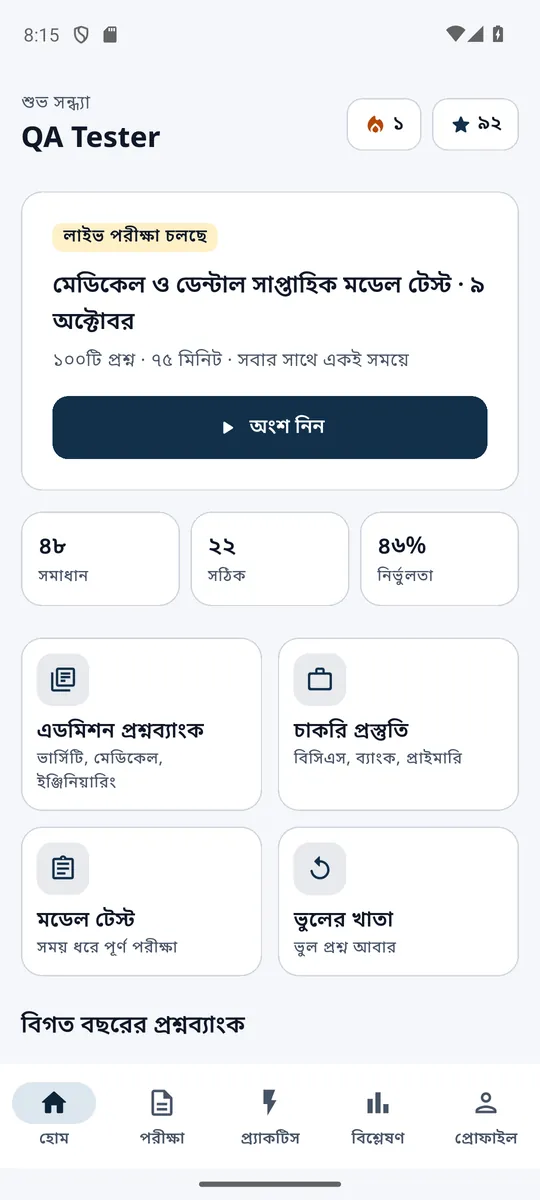
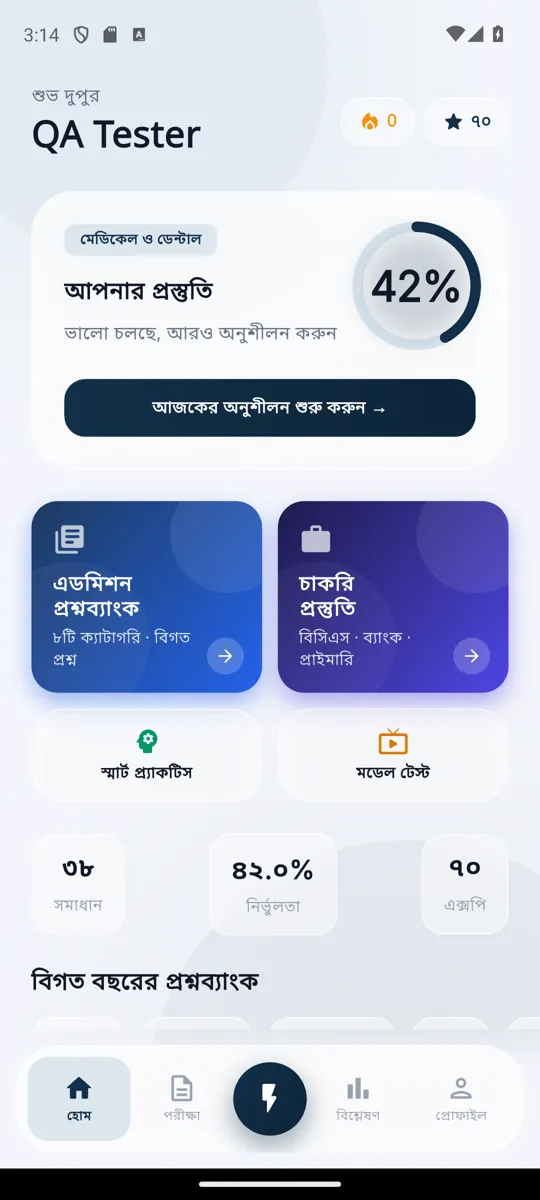
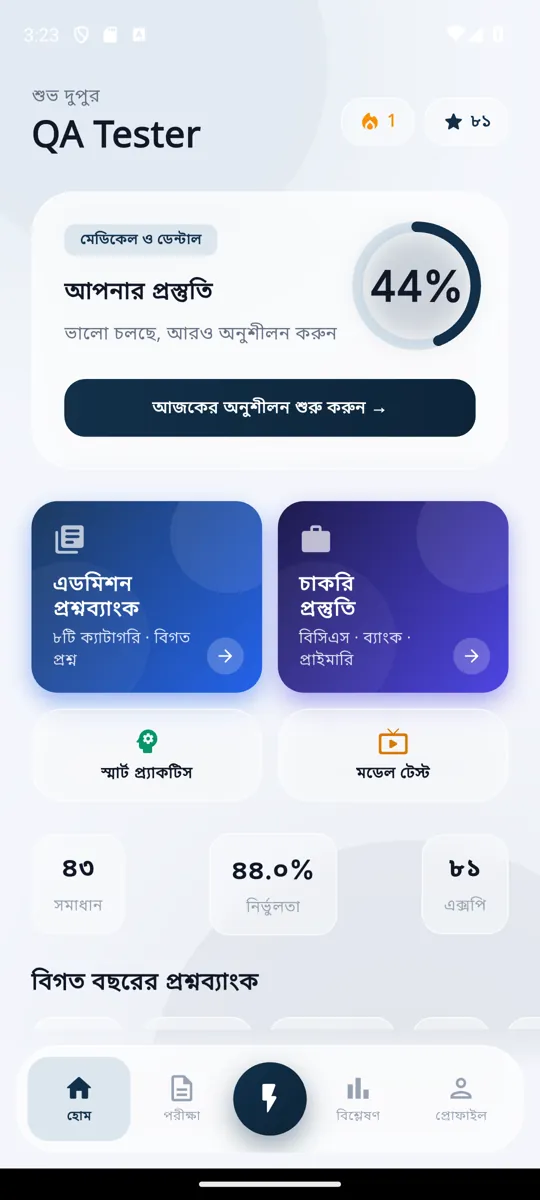
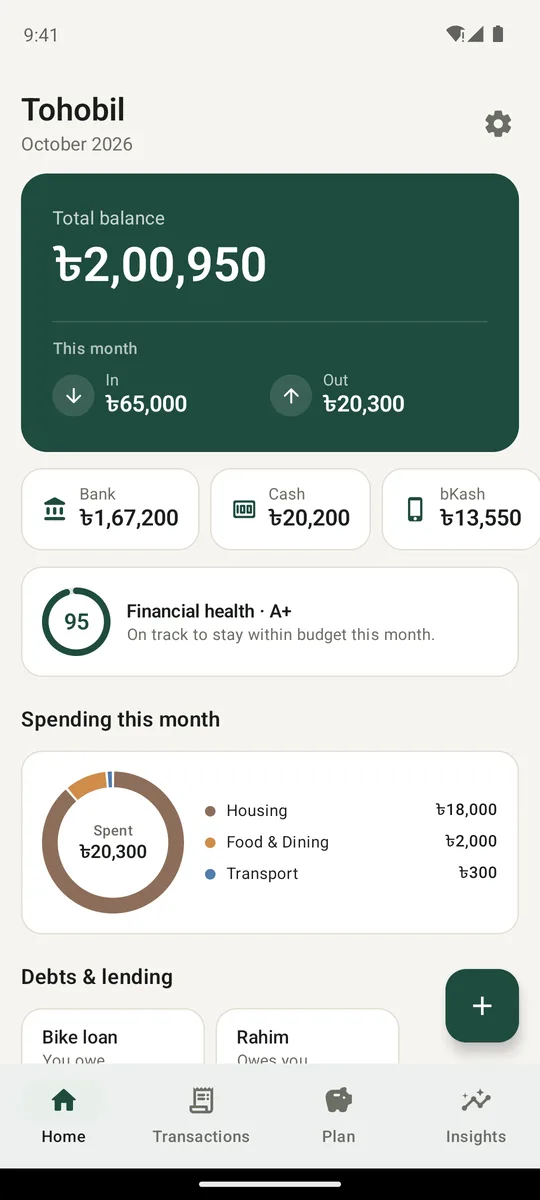
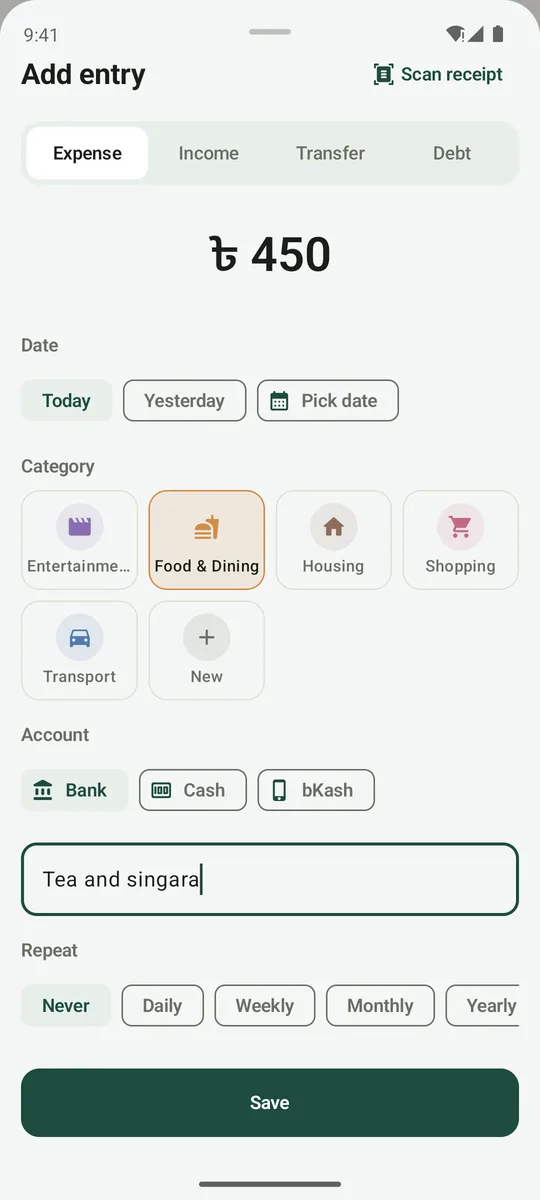
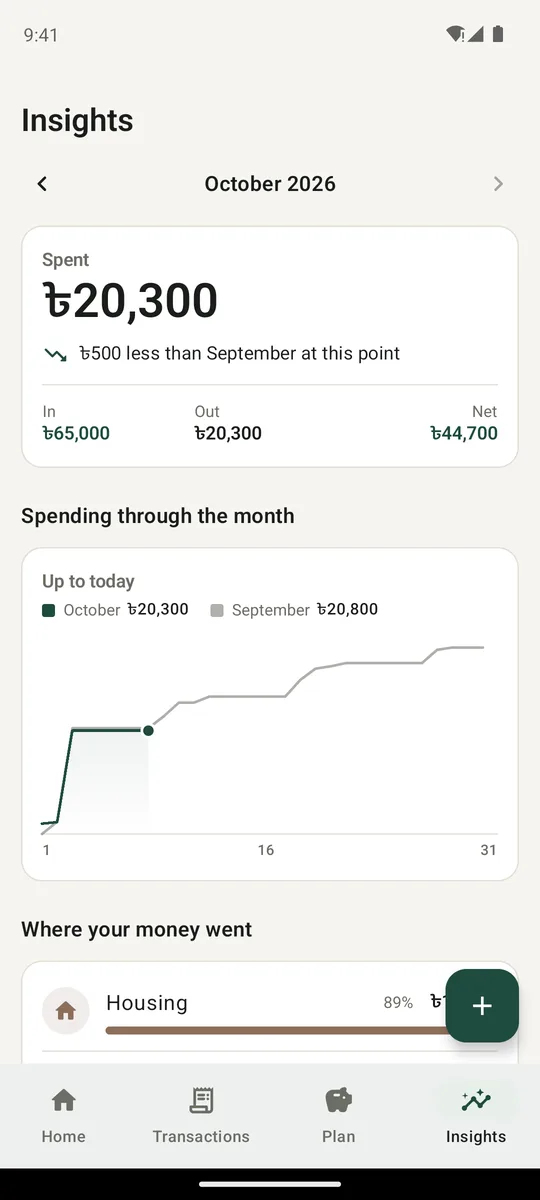
The app had grown feature by feature and looked like several apps stitched together. Before launch I went through every screen on an Android phone emulator: light and dark mode, large text, and with the internet off. That gave 61 screenshots, plus 32 more of moments that are hard to catch by hand, such as loading and live exams. The main problems:
- Four different colour styles, so it didn't feel like one product. Red and green were used as decoration, although in a quiz they mean wrong and right.
- Much of the small text was too faint, and the question itself was lighter than its answer options.
- English left in a Bengali app: a wrong password showed “Invalid login credentials”.
- Zeros appeared while data was loading, which looked like “you have done nothing”.
- Pressing back on the sign-up screen closed the app.
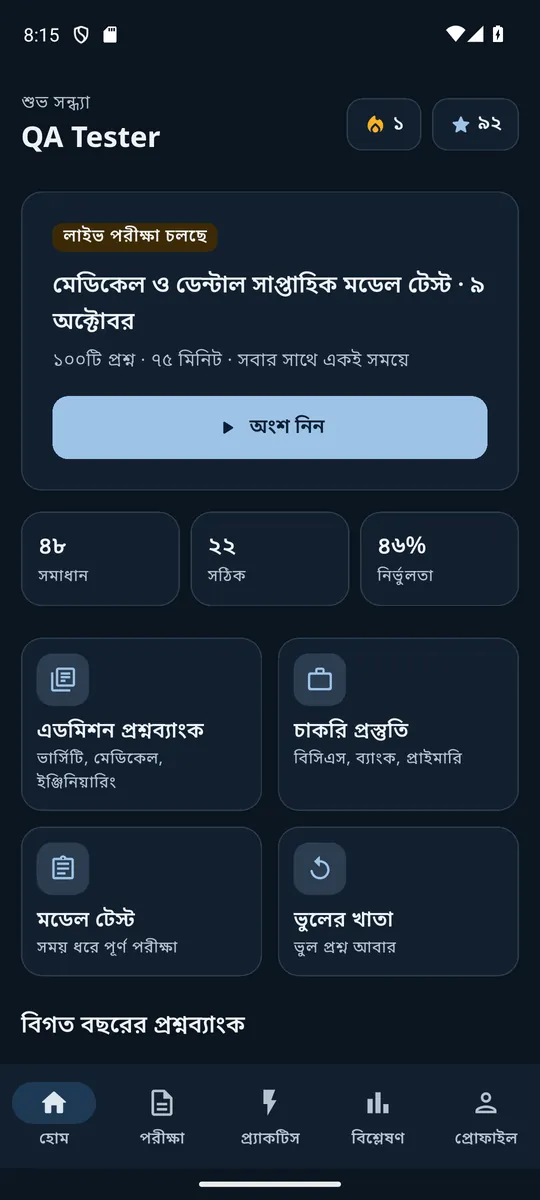
- No dark mode: on a phone set to dark, the app stayed bright white.
What I did
- First, a design system: one set of colours, each checked to be easy to read in light and dark; Bengali text sizes with enough line space for joined letters (যুক্তাক্ষর); and shared building blocks such as cards, answer options, the exam timer and loading and empty states.
- Then every screen was rebuilt on it. With the design system and a few urgent fixes as phase 1, the work ran in 7 phases: exams and practice, the main tabs, welcome and sign-in, progress, profile, settings and question banks, and finally dark mode.
- After each phase the automatic tests ran and I checked the screens by hand on an Android emulator (a Pixel 7 phone simulated on the computer) before moving on.
- Clear rules for every screen: green and red only for right and wrong; one main button per screen; every word and number in Bengali; answers marked ক খ গ ঘ as on printed papers; errors explained in Bengali under the field.
The result
- Anyone can try 10 questions a day without an account, on the website and in the app. Answers are marked and explained straight away.
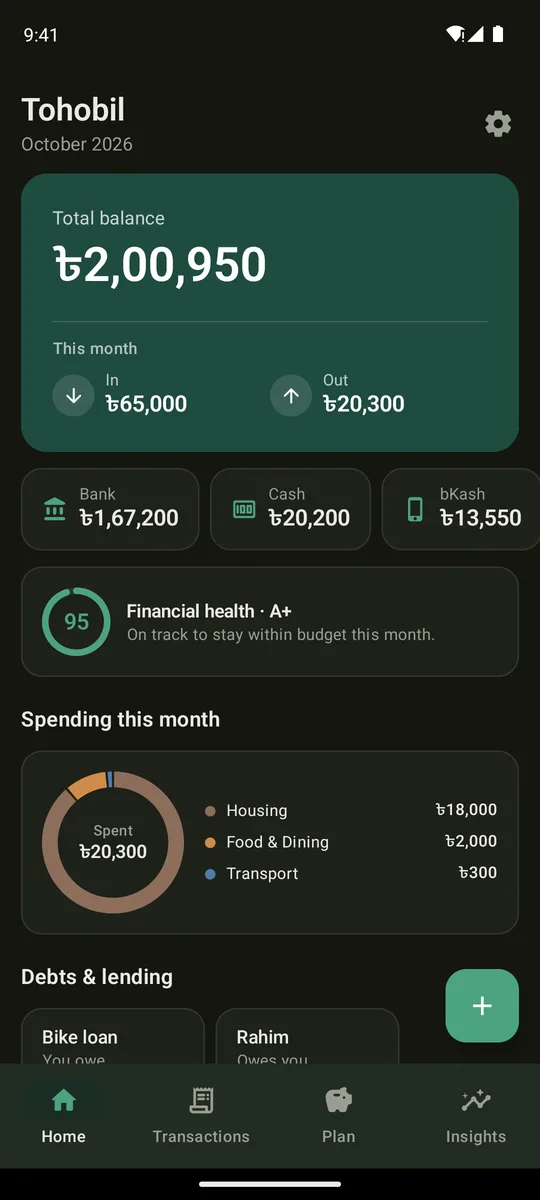
- Dark mode that follows the phone, or can be chosen in Settings.
- Every screen checked in light and dark at normal and large text, with automatic checks for readable contrast and finger-sized buttons.
The website is live at smartprepbd.com. The redesigned Android app is in testing, with the Google Play release planned for late October 2026.
- 7redesign phases
- 455app tests
- 634website tests
- 6,529admission questions